
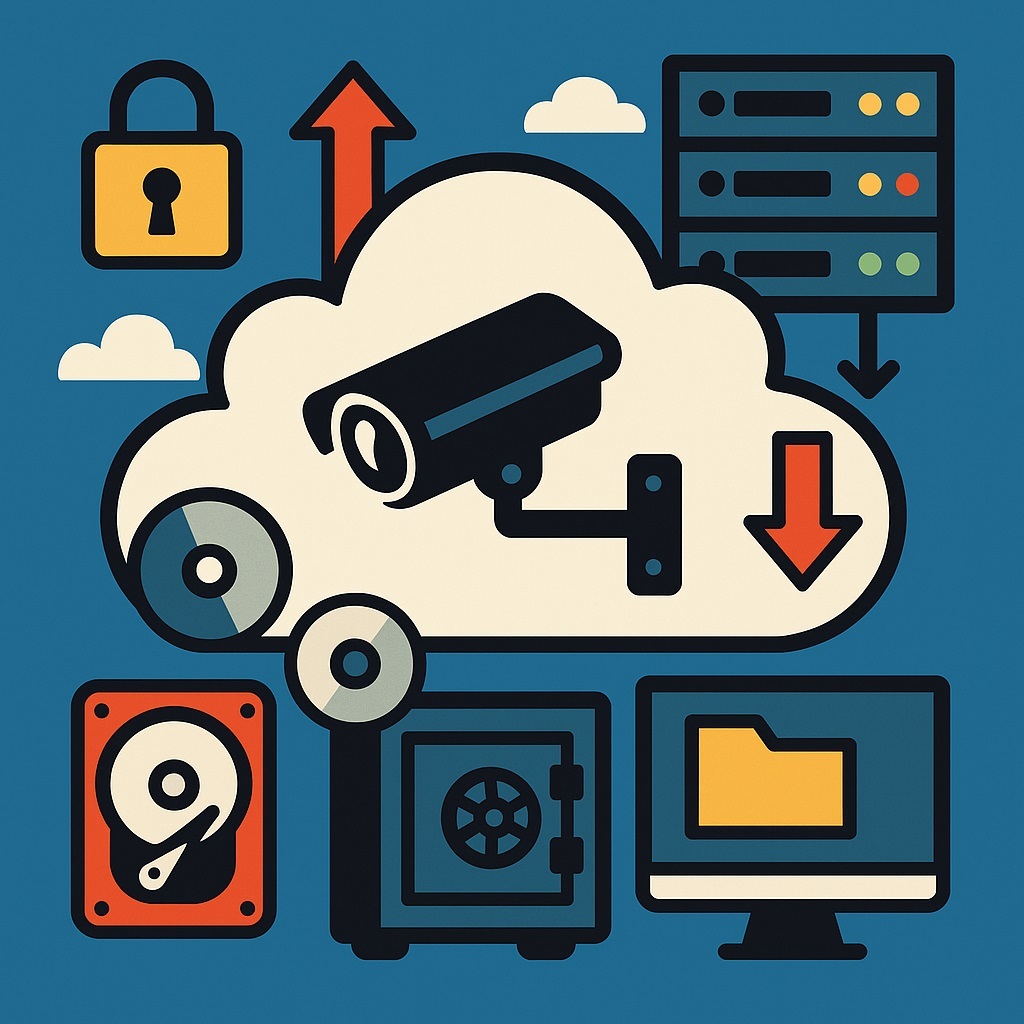
The word cloud used to sound like high-tech wizardry reserved for the elite. These days, it’s more like renting an apartment: convenient, trendy, but the landlord can always change the locks. When it comes to video surveillance—where what’s at stake isn’t just your cat on the couch but evidence, security, and your company’s reputation—the cloud deserves extra caution. Let’s break down how to step into the cloud safely, and just as importantly, how to get out if things go sideways.
The Cloud Isn’t Magic—it’s Economics
Here’s the truth: the cloud wasn’t invented to make your life easier. Its core mission is efficiency—and profit. For providers, it’s cheaper to gather a bunch of tenants under one roof and sell slices of computing power wrapped in buzzwords like elasticity and scalability.
For customers, the catch is simple: the cloud is convenient, but it’s not yours. Just like in a rental, you can use the kitchen and bathroom, but painting the walls lime green or changing the locks? Not your call.
Backups: The Holy Grail of IT
Picture this: you log into your video surveillance system one morning, and—nothing. The cloud glitched, the provider lost your database, or someone up above clicked Delete. All you’ve got left are your nerves.
To avoid that nightmare, you need:
- On-premise backups — data stored on equipment you own and control.
- Offline backups — something you can lock in a safe and forget about: DVDs, hard drives, magnetic tapes, even stone tablets if that’s your thing. The key is: not networked, not powered.
The golden strategy? Use both. That’s the only real insurance against “cloud amnesia.”
The Exit Plan: A Button for Panic Mode
Any serious business should have a big red Exit button. When pressed:
- your data, machines, and containers get neatly packed up;
- they migrate to another cloud;
- they relaunch from backups without office-wide panic.
Without such a plan, the cloud isn’t a home—it’s a hotel where you stay until management tells you to check out.
Jurisdiction Matters: Court Isn’t a Joke
Classic mistake: storing data in a cloud that’s legally based “somewhere far away.” The problem? If it ever goes to court, your chances of getting that data back are about the same as a cat negotiating with a Roomba.
That’s why your backup cloud should be in your own jurisdiction—where you can actually sue, and where the court won’t politely send you “on a tropical walk.”
On-Prem as Plan B (and C)
The cloud is convenient, but true independence comes from owning the hardware. Maybe not in your basement, but at least in a commercial data center where your engineers can physically touch the servers.
If only the provider’s admins can touch the gear, and your team just sees it in PowerPoint slides—guess what? It’s still just another cloud with a different logo.
Security: The Questions You Must Ask
If you’re a large client, your security team should grill the provider with awkward but necessary questions:
- Who exactly has access to the equipment?
- How is that access monitored and controlled?
- What happens if the provider decides to “temporarily suspend service”?
The answers decide whether the data is really yours—or just “community property” on lease terms.
Simple Truths Worth Repeating Daily
- If outsiders have access to your infrastructure—it’s not your infrastructure.
- If outsiders have access to your server—it’s not your server.
- If someone can cut you off from your data with a single click—it’s not your data.
Bottom Line
Entering the cloud should feel like entering someone else’s house: carefully, cautiously, and with spare keys in your pocket. The cloud is a tool, not a miracle. It saves time and money, but making it your only home for video surveillance is risky. Always have a Plan B, C, and even Z. In digital security, it’s not the biggest player who wins—it’s the one best prepared for unpleasant surprises.
Real Cloud Failures: When the Skies Weren’t Friendly
The cloud sounds safe: fluffy servers, 24/7 provider care, angelic admins. In reality, sometimes the cloud turns into a thunderstorm. Here are some real-world cases where customers learned that “cloud” and “reliable” don’t always go together.
1. GitLab: 300 GB Sent to the Trash
In 2017, GitLab—home to millions of code repositories—hit disaster when an admin accidentally deleted 300 GB of data. To make it worse, the backups were outdated and partially broken.
Result: days of recovery and panic across the developer world.
Lesson: if you don’t have fresh backups, you don’t have data.
2. OVH: The Fire That Ate a Data Center
In 2021, French provider OVH suffered a massive fire at its Strasbourg data center. An entire server building was destroyed, leaving thousands of customers without websites or backups (many of which were stored… in the same facility).
Result: hardware gone, reputations burned.
Lesson: offline backups and migration plans aren’t optional—they’re survival.
3. Amazon Web Services: The “Dark Day of the Internet”
AWS, the world’s largest cloud provider, had a regional outage in 2020. Dozens of services went down, from smart home apps to CRMs.
Result: users couldn’t turn on lights, unlock doors, or order dinner.
Lesson: if everything rides on one cloud, prepare for the “button apocalypse.”
4. Google: Gmail Takes a Nap
In December 2020, Gmail, Google Docs, and YouTube all went dark worldwide for hours.
Result: business processes froze.
Lesson: even the best stumble. Always keep backup tools and communication channels.
5. T-Mobile: Dropped Calls Everywhere
Also in 2020, T-Mobile’s cloud-based call routing system collapsed, leaving millions unable to make calls.
Result: an FCC investigation and dented reputation.
Lesson: in telecom, a core cloud outage means pure silence.
6. The Startup Cloud That Vanished
One small SaaS startup kept all its data with a Chinese provider. One day, the company simply vanished—servers, data, everything. Legal action? Technically possible, but practically hopeless.
Result: the startup died overnight.
Lesson: know where your data lives, and whether you can actually defend it.
Clouds Can Be Stormy
These cases show that even giants aren’t immune to failure. If your business depends on the cloud, prepare for the worst.
Golden rules:
- Keep backups on your own turf.
- Keep backups offline.
- Have a migration plan.
- Stick with a jurisdiction where you can enforce your rights.
The cloud is a tool, not magic. Whether it’s your salvation or your next big “Oops” is entirely up to you.