
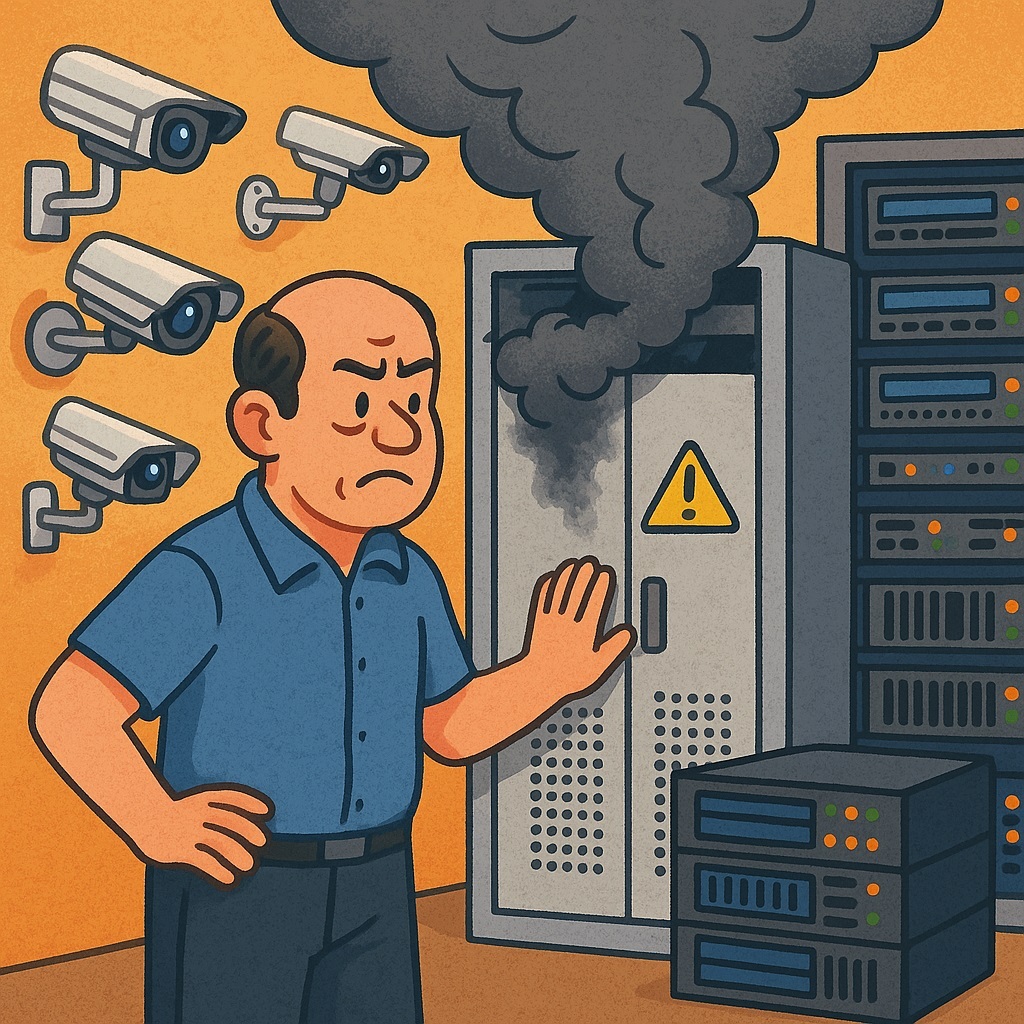
Every year, businesses add more and more cameras — smarter, sharper, and hungrier for storage. These cameras are like that neighbor who stops by “just for a minute” and ends up talking for hours: the stream never stops. The pressure on surveillance systems keeps building, and the scary question pops up more and more often: “What happens if the server crashes?” Losing your archive isn’t like forgetting an umbrella. It’s more like leaving a hot iron on in an empty apartment: stressful, dangerous, and with potentially catastrophic consequences.
That’s why resilience is no longer some boring IT buzzword. It’s the question: how do you make sure your cameras keep recording no matter what?
The Server Layer: When NVRs Get the Spotlight
Standalone NVRs are fine — until they’re not. They’re reliable enough for a dog kennel, but when protecting something that really matters, a single NVR is a single point of failure. One crash, and your archive is history.
The classic fix? NVR failover. Think of it like a soap opera love triangle: there’s a “hot” active server and a “cold” standby waiting for its big moment. When the primary fails, the backup jumps in. It works — but the recordings on the dead box may never come back.
A smarter move is virtual servers. They let you run multiple apps on the same hardware and gracefully shift workloads when one machine fails. No drama, no gaps in recording.
And for those playing in the big leagues, there’s hyperconverged infrastructure (HCI). Picture an army of servers sharing a single pool of storage. If one falls, the rest instantly pick up the slack. Your footage stays intact and accessible in real time, so you can respond to incidents without pacing nervously outside the server room.
Storage: RAID, Dual Streaming, and Other Tricks
Video storage is like family photos: you can’t afford to lose them, and somehow there’s never enough space.
The basic option is RAID. It saves you from losing data if a single drive dies. But if the entire server tanks, RAID waves goodbye along with your footage.
That’s why pros lean on HCI, where video is spread across multiple servers. One server fails, others keep the archive alive.
And for the truly cautious (or just very serious organizations), there’s dual streaming. Cameras send video to two independent storage systems at once. Even if your entire data center goes dark, your footage still lives somewhere else. Think of it as Phoenix Mode: rising from the ashes, archive and all.
Infrastructure: From Cables to the Cloud
Servers and disks get the spotlight, but the network can be just as sneaky. A single switch dying shouldn’t bring everything down — which is why resilient data centers deploy backup switches.
Many cameras also have built-in storage. If the network goes down, they keep recording locally until connectivity is restored. It’s not unlimited, but it’s enough to ride out most storms.
And let’s not forget UPS units, generators, and redundant power supplies. Without them, a lightning strike or basement short could wipe your archive — and your peace of mind.
Finally, there’s the cloud. It’s not free, but it stores your data far away, beyond the reach of local hardware failures — or the engineer who accidentally unplugs the server with his foot.
Why Resilience Isn’t a Luxury
If you’re thinking, “We’ll be fine,” be ready to explain to your boss (or a courtroom) why the critical incident that needed video evidence has… no video evidence.
Resilience isn’t just about tech. It’s about nerves. With every layer — servers, storage, and infrastructure — covered, you sleep easier, cameras keep rolling, and the archive is always ready when you need it most.
Even if the world around you falls apart, your surveillance system keeps working. And in today’s world, that’s worth more than gold.
Real-World Fails (and Why They Hurt)
- Supermarket & the Dead NVR. Burglars waltzed in at night, but the NVR crashed mid-heist and never came back. The next morning, the vault was empty — and so was the archive. Management quickly bought a failover system (lesson learned the hard way).
- Bank & the RAID Meltdown. A branch tried to save money with a “light” RAID setup. Then two drives died at once, nuking six months of suspicious ATM footage. Recovery took weeks and cost more than a shiny new HCI.
- Factory & the Power Outage. “Do we really need UPS units and generators?” they asked. A thunderstorm answered. Power went out, cameras went dark, and by morning a pricey machine had vanished. Suddenly, generators were a budget priority.
- Office Complex & the Lone Switch. All cameras ran through a single network switch — until it “retired” without warning. Tenants were furious, footage was gone, and IT staff walked away with new gray hairs.
- Warehouse & Smart Cameras. Here’s the happy ending: the network failed, but cameras had local storage. They buffered footage, synced it back when the network returned, and caught the thieves. Security got a bonus, and the boss pretended it was part of the plan all along.
Top 5 Myths of Video Surveillance Resilience
- Myth: RAID solves everything. Reality: RAID saves you from a dead disk, not a dead server.
- Myth: The cloud is foolproof. Reality: No internet = no recording.
- Myth: One NVR is plenty. Reality: One crash, one lost archive.
- Myth: Cameras can save it all. Reality: Onboard storage is just a short-term crutch.
- Myth: “Set it and forget it.” Reality: Without regular tests, resilience is just a pretty word in a PowerPoint.