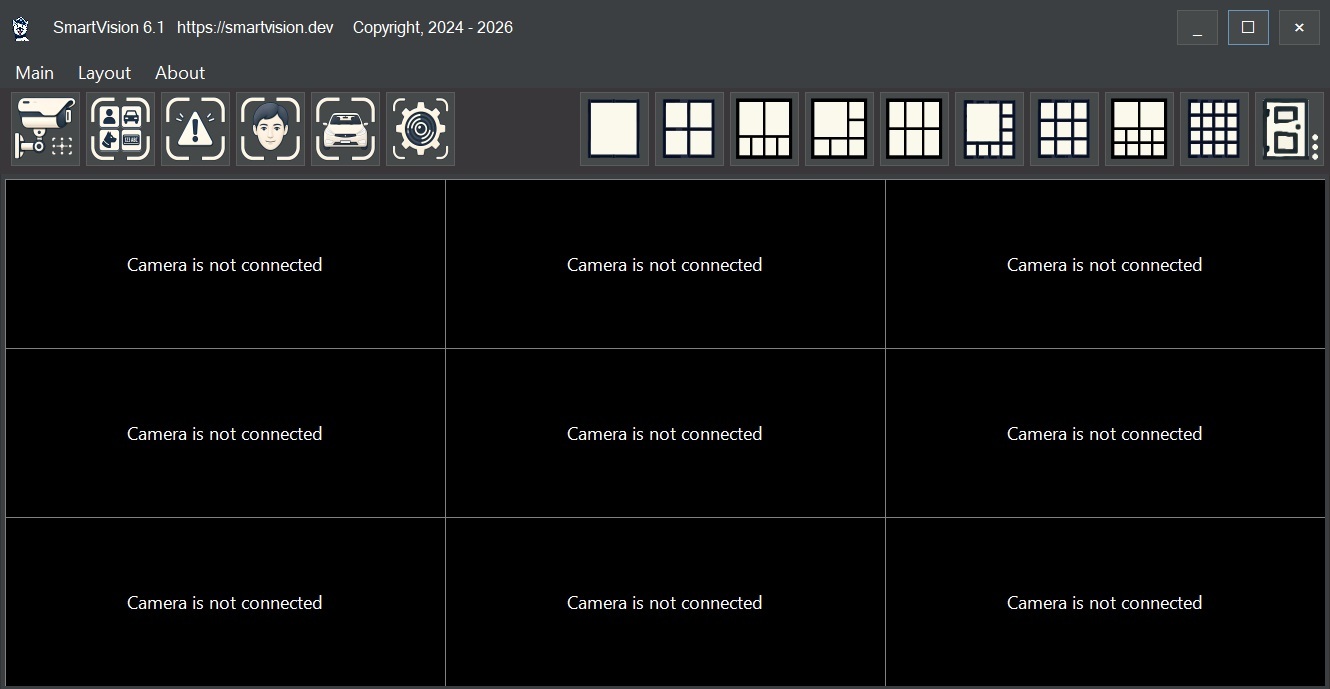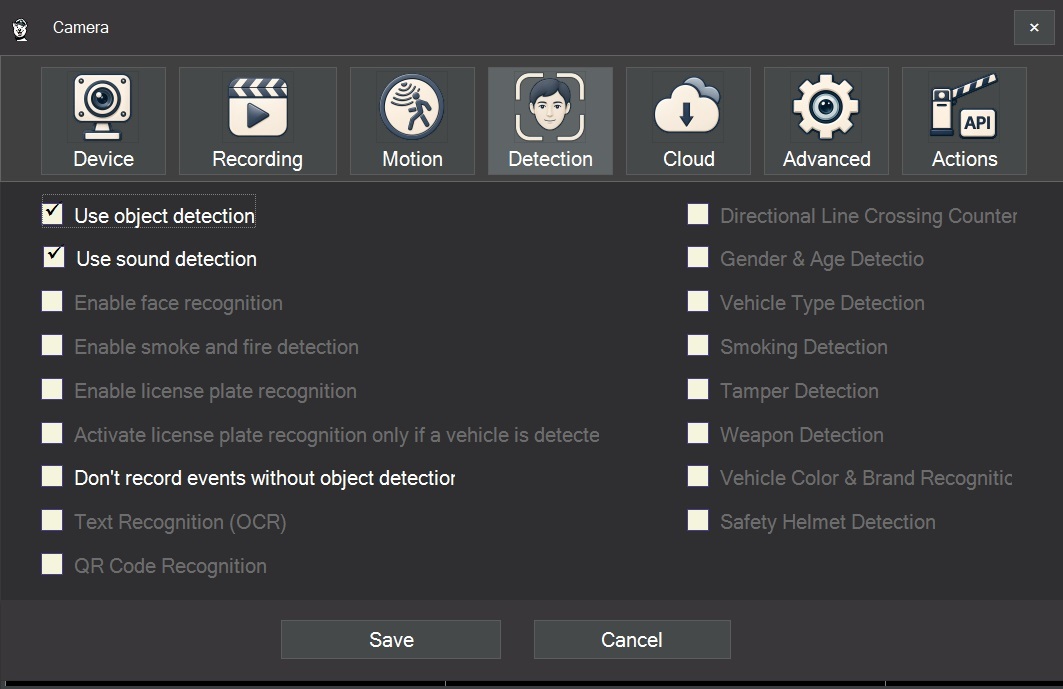

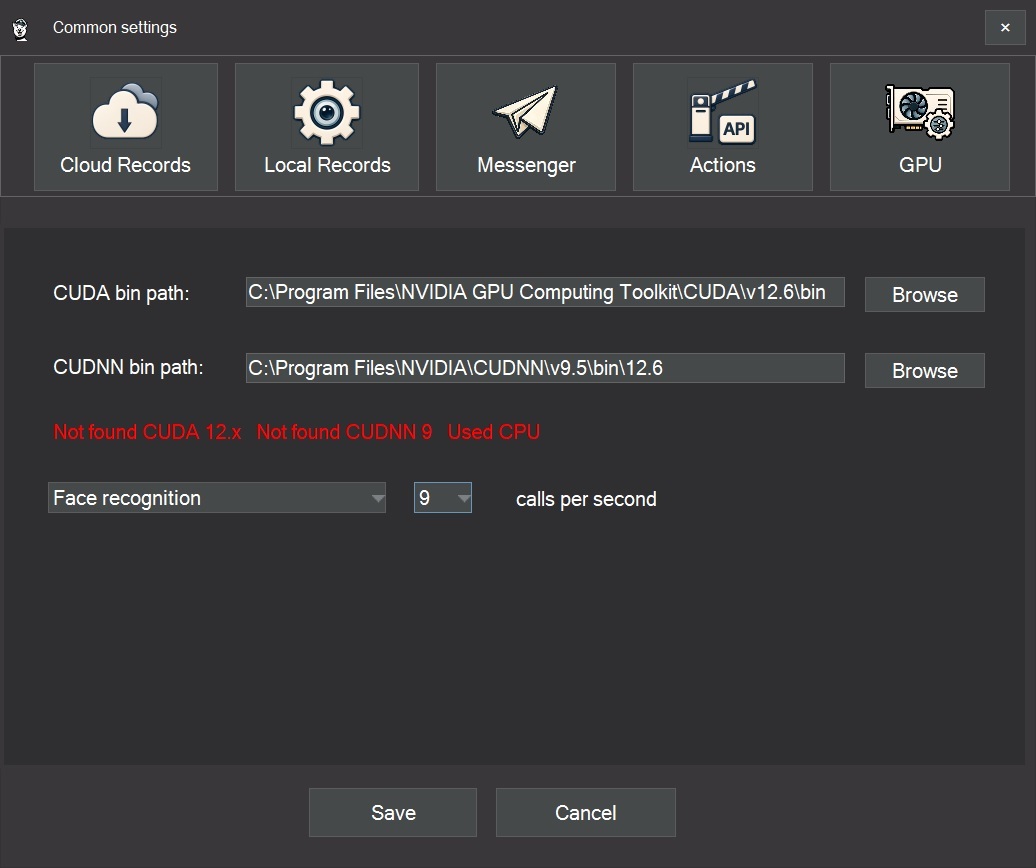
SmartVision 6.1 has been released. The main technical change in this version is automatic GPU operation for AI video analytics modules when a compatible NVIDIA graphics card, CUDA 12.6, and cuDNN 9.5 are available. A new GPU tab has also been added to the general settings, the interface has been updated, and new forms have been localized into different languages.
From Classic CCTV/CMS Systems to AI Video Analytics
Traditional CCTV and CMS software mainly performed infrastructure tasks: connecting cameras, displaying video, recording archives, playing back footage, and providing basic motion detection. In this architecture, the video stream was treated as a sequence of frames, not as a set of objects and events.
AI video analytics works differently. The system must not only receive and record the stream, but also analyze the contents of each frame: detect a person, vehicle, face, license plate, smoke, fire, or another object. The result then needs to be converted into an event that can be saved, displayed, used for search, or sent as a notification.
This changes the requirements for video surveillance software. The important factors are no longer only the number of connected cameras and the size of the video archive, but also how many streams the system can analyze simultaneously, with what delay, and at what frame processing rate.
Why CPU Processing Is Not Always Enough
The CPU remains the main processor of the system and is well suited for general-purpose tasks: interface management, file recording, network communication, database operations, event logic, and user settings. Neural network recognition, however, creates a different type of workload.
Image analysis involves a large number of repetitive mathematical operations: convolutions, matrix calculations, normalization, tensor transformations, and model result post-processing. These operations can be efficiently parallelized, which makes them better suited for GPU processing.
If a camera sends 25 frames per second, one camera produces 1,500 frames per minute. With several cameras and enabled recognition modules, the load increases quickly. On a CPU, the system may have to analyze only part of the frames to maintain stable operation. As a result, short events may be missed: a person passing quickly through the frame, a moving vehicle, a face appearing briefly, a license plate visible in only one or two frames, or the first signs of smoke.
The GPU does not change the quality of the model on a single frame, but it allows more frames to be processed per unit of time. For practical video analytics, this is important: the more frames pass through the model, the lower the probability of missing an event.
What Has Been Added in SmartVision 6.1
In SmartVision 6.1, all main recognition modules now support GPU computing. When a compatible NVIDIA graphics card and the required CUDA/cuDNN components are installed, the software can use the GPU to process video streams and perform neural network operations.
GPU acceleration is used for AI video analytics tasks, including:
- object detection;
- face recognition;
- license plate recognition;
- smoke and fire detection;
- other video stream analysis modules.
If the GPU is unavailable or the required components are not installed, SmartVision continues to run on the CPU. This preserves compatibility with standard computers and allows the same software to be used in different configurations, from small systems to installations with higher computational load.
CUDA 12.6 and cuDNN 9.5
GPU acceleration in SmartVision 6.1 requires CUDA 12.6 and cuDNN 9.5 for CUDA 12.6.
CUDA is NVIDIA’s computing platform that allows software to use the GPU for calculations. Without CUDA, a graphics card may be installed in the computer and correctly detected by Windows, but the application will not be able to use it as a computing accelerator for neural network processing.
cuDNN is NVIDIA’s library for accelerating deep learning operations. It contains optimized implementations of operations used in neural networks: convolutions, matrix calculations, normalization, activation functions, and other basic functions. These operations are used in models for object detection, face recognition, license plate recognition, smoke detection, and fire detection.
The general scheme is as follows:
- the NVIDIA driver provides graphics card operation in the system;
- CUDA gives the application access to GPU computing;
- cuDNN accelerates neural network operations;
SmartVision uses this stack for AI analysis of video streams.
If CUDA and cuDNN are not installed, GPU acceleration will not work. In this case, the software can still run analytics on the CPU, but without hardware acceleration from the graphics card.
If CUDA 12.6 and cuDNN 9.5 are already installed, SmartVision 6.1 can detect them automatically. If the installation is non-standard, the user can manually specify the paths to CUDA modules in the settings.
How Video Stream Processing Works on the GPU
A typical AI video analytics pipeline consists of several stages. First, the software receives a stream from a camera, for example via RTSP or HTTP. Then the frames are decoded and prepared for analysis: the image is resized, the color format is converted, normalization is performed, and an input tensor is created for the model.
After preparation, the data is transferred to GPU memory. Then inference is performed, which means running the neural network model. At this stage, CUDA provides computation on the graphics card, while cuDNN accelerates typical neural network operations. After processing, the model returns results: object coordinates, classes, confidence scores, facial features, license plate areas, smoke indicators, or fire indicators.
Post-processing is then performed: filtering by confidence thresholds, removing duplicate boxes, matching objects between frames, creating events, and passing the result to the application logic. After that, SmartVision can save the event, record a frame, start recording, send a notification, or perform another action depending on the settings.
The performance of this pipeline depends not only on GPU power, but also on stream resolution, number of cameras, frame rate, models used, detection settings, and the efficiency of data transfer between CPU and GPU.
What Is Changing in the Video Surveillance Market
The development of AI and GPU acceleration is gradually changing the structure of the video surveillance market. Previously, the main system parameters were the number of cameras, archive size, recording speed, and playback convenience. Now computational parameters are also important: how many streams can be analyzed in real time, which models are used, how many frames per second are processed, and what delay occurs between an event and the system response.
In this architecture, a standard IP camera becomes a data source for AI processing. Most of the intelligent logic moves into software: object detection, face and license plate recognition, event filtering, archive search, notifications, and integrations.
This does not replace the classic functions of VMS/CMS systems. Camera connection, archive recording, and playback remain basic tasks. But an AI analytics layer is added on top of them, and this layer requires different computing resources. That is why the GPU becomes an important configuration element for systems where several recognition modules are enabled and many cameras are used.
Practical Value for SmartVision
SmartVision 6.1 reflects this architectural shift. The software keeps standard video surveillance functions: IP camera connection, viewing, recording, archive access, and event handling. At the same time, AI video analytics modules can use the GPU if the required NVIDIA components are installed in the system.
For small installations, CPU mode may be sufficient. For example, when there are only a few cameras, the resolution is moderate, and analytics is used selectively. On systems with several streams, high resolution, and active object, face, license plate, smoke, or fire recognition, GPU acceleration reduces CPU load and allows more frames to be processed per second.
The GPU tab in the settings is used to manage this configuration. Through it, the software checks for the required components, can enable acceleration automatically, or use manually specified paths to CUDA modules.
Interface and Localization
In addition to changes in the computing part, SmartVision 6.1 includes an updated interface design. New forms have been adapted for everyday use and localized into different languages. This is especially useful for installations where the system is used by employees with different language settings.