
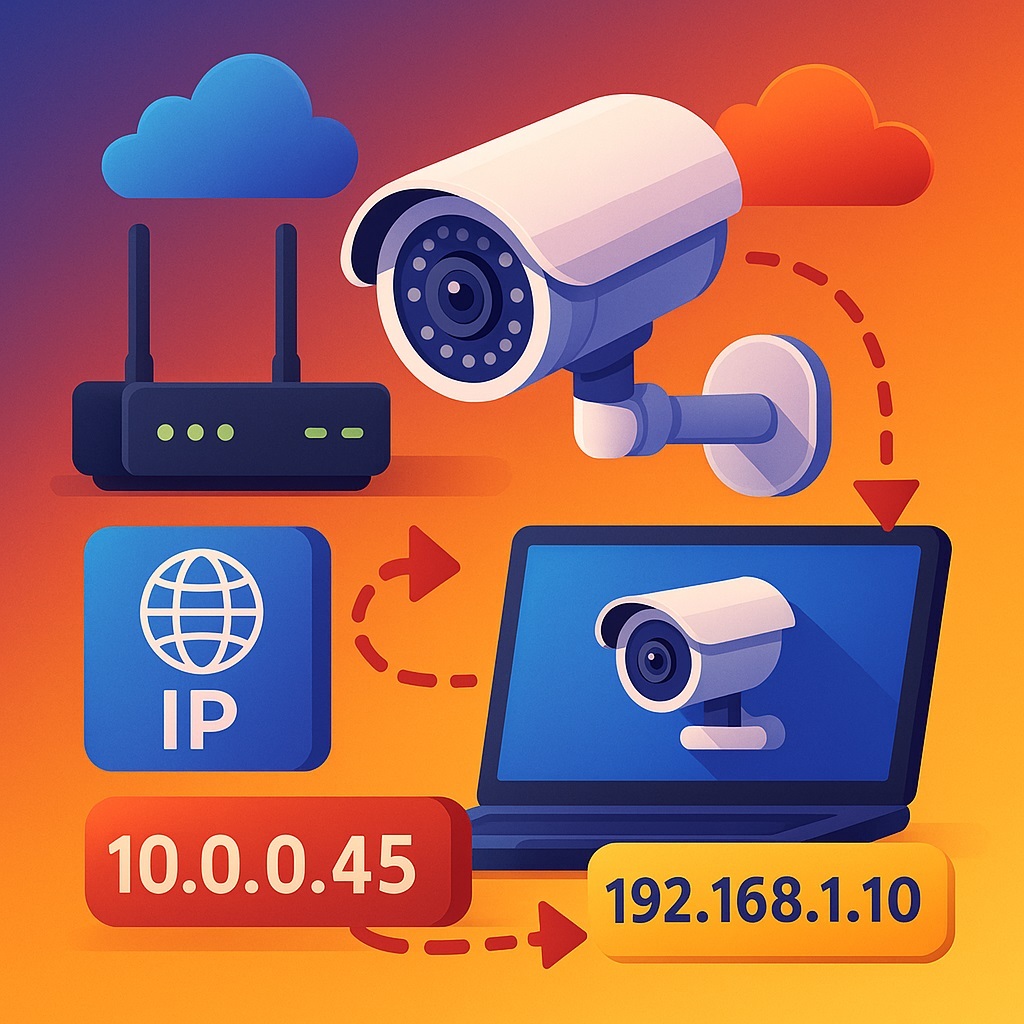
In a perfect world, an IP camera should behave like a well-trained device: connect once, keep its address, and deliver a reliable stream for years.
In reality, many cameras act more like unpredictable tenants on a shared network — sometimes disappearing, sometimes returning under a different name, and occasionally pretending they’ve never lived here at all.
For video surveillance systems, this is more than an inconvenience. A changed IP address means broken RTSP streams, missing recordings, lost analytics, and hours of diagnostics.
Here is a comprehensive look at why IP cameras change their IP (and sometimes even their MAC) — and what professionals can do to stabilize the entire chain.
1. DHCP: The Largest Source of Address Chaos
Most cameras ship with DHCP enabled by default. Under normal conditions this works fine. Under real-world conditions… not so much.
A camera may receive a new IP address when:
- its DHCP lease expires,
- the camera reboots,
- the router reboots,
- the network runs out of free addresses,
- the DHCP server decides to reassign leases after an internal refresh.
Ultra-budget models add even more trouble: some of them completely block manual static IP configuration. Every reboot becomes a lottery, and the camera simply takes the first free address it sees.
Outcome:
New IP → new RTSP URL → VMS loses the stream → recordings stop.
2. IP Address Conflicts
If two devices receive the same IP — either through misconfigured static settings or an over-enthusiastic DHCP server — the camera may:
- fall back to AutoIP (169.254.x.x),
- repeatedly request a new address,
- lock up for a few minutes before trying again.
For NVRs and VMS platforms, this often looks like intermittent camera loss or broken live view.
3. Moving the Camera to Another Subnet
Surveillance networks evolve: routers get replaced, VLANs are introduced, address pools change.
Most IP cameras cannot automatically migrate between subnets.
When the network architecture changes, a camera may:
- disappear completely,
- fall back to AutoIP,
- remain online but unreachable.
Without proper planning, even a small reconfiguration can cause multi-camera outages.
4. Factory Reset: When the Camera’s Identity Resets Too
A factory reset often leads to:
- a fresh DHCP assignment,
- a new AutoIP address,
- and in rare cases — a new MAC address.
Some low-cost models store their MAC in EEPROM rather than hardware ROM. If the value is overwritten incorrectly — the camera comes back with a different identity.
This creates a cascade of failures: DHCP sees “a new device,” VMS loses the old one, and the entire configuration falls out of sync.
5. Wi-Fi Cameras: The Most Unstable Category
Wireless models change their IP more often than their wired counterparts.
Reasons include:
- roaming between 2.4 GHz and 5 GHz,
- reconnecting due to weak signal,
- receiving a new DHCP lease after each association.
For home Wi-Fi networks this is expected. For surveillance systems, it is a reliability nightmare.
6. When ONVIF Detects “Twins”
If a camera’s MAC address changes, ONVIF scanners may show it as two different devices.
Integrators sometimes describe this as:
“The camera multiplied itself.”
Technically, this happens because the firmware generates a temporary software-MAC after resets or updates.
Inconsistent hardware identity makes device tracking extremely difficult across VMS platforms.
Why Cameras Sometimes Change Their MAC Address
MAC addresses are supposed to be permanent hardware identifiers — not dynamic values. But reality varies by manufacturer and price segment.
1. Software-Defined MAC
Some SoC platforms use a MAC stored in configuration memory, not in hardware.
After a:
- firmware update,
- factory reset,
- ONVIF/HTTP reflash,
- the MAC can change.
2. Wi-Fi Privacy MAC
Certain Wi-Fi chipsets use randomized “privacy MACs,” similar to smartphones.
Every reconnection may produce a new wireless MAC address.
3. Grey-Market Clones
Unbranded OEM cameras often ship with identical MACs across many units.
To mask the duplication, some models randomize MAC after resets, causing unpredictable identity shifts.
MAC changes lead to new DHCP assignments → new IPs → broken RTSP streams.
How Changing IPs Break RTSP and VMS Platforms
Once the IP changes, the camera becomes unreachable at:
rtsp://old_ip/stream
This results in:
- broken live video,
- missing recordings,
- lost motion events,
- analytics interruption,
- offline status in the VMS.
Until the device is rediscovered and reconfigured, the system loses visibility.
Why Some Cameras Don’t Allow Static IP Configuration
This is common among ultra-low-cost devices.
Reasons include:
- extremely limited firmware,
- the assumption that the NVR will manage addressing,
- Wi-Fi models designed for “plug-and-play only,”
- cost-optimized SoCs with restricted network settings.
For professional deployments, such devices quickly become a liability.
How Engineers Keep IP Cameras Stable
1. Use DHCP Reservations
Assign fixed IPs via the router or switch based on MAC addresses.
The camera still uses DHCP — but always receives the same address.
2. Avoid Devices with Non-Persistent MAC Addresses
Any camera that changes its MAC on reset is unsuitable for enterprise surveillance.
3. Configure IP via ONVIF
Some cameras block static IP settings in the web interface but allow full configuration via ONVIF.
4. Isolate Cameras in a Dedicated VLAN
Reduces conflicts, simplifies DHCP management, and improves reliability.
5. Increase DHCP Lease Time
Avoid short leases. Use:
- 24 hours for small installations,
- 7 days for surveillance networks.
6. Use DNS for RTSP URLs
Instead of:
rtsp://192.168.1.45/stream
use:
rtsp://camera01.local/stream
If the IP changes, only the DNS record must be updated — the VMS configuration remains intact.
IP cameras can change their IP or even MAC for a wide range of reasons: DHCP behavior, wireless reconnection, firmware quirks, address conflicts, and low-quality hardware design.
Each shift disrupts RTSP streaming and destabilizes the entire surveillance system.
However, with proper network planning — DHCP reservations, ONVIF configuration, VLAN segmentation, and DNS mapping — integrators can create a stable, predictable environment where cameras stop “wandering” across the network and begin behaving like dependable, long-term infrastructure components.