
In the new SmartVision releases, we continue to develop practical features that simplify everyday work with the system and solve real-world tasks without unnecessary complexity.
Flexible Archive Recording Across Multiple Disks
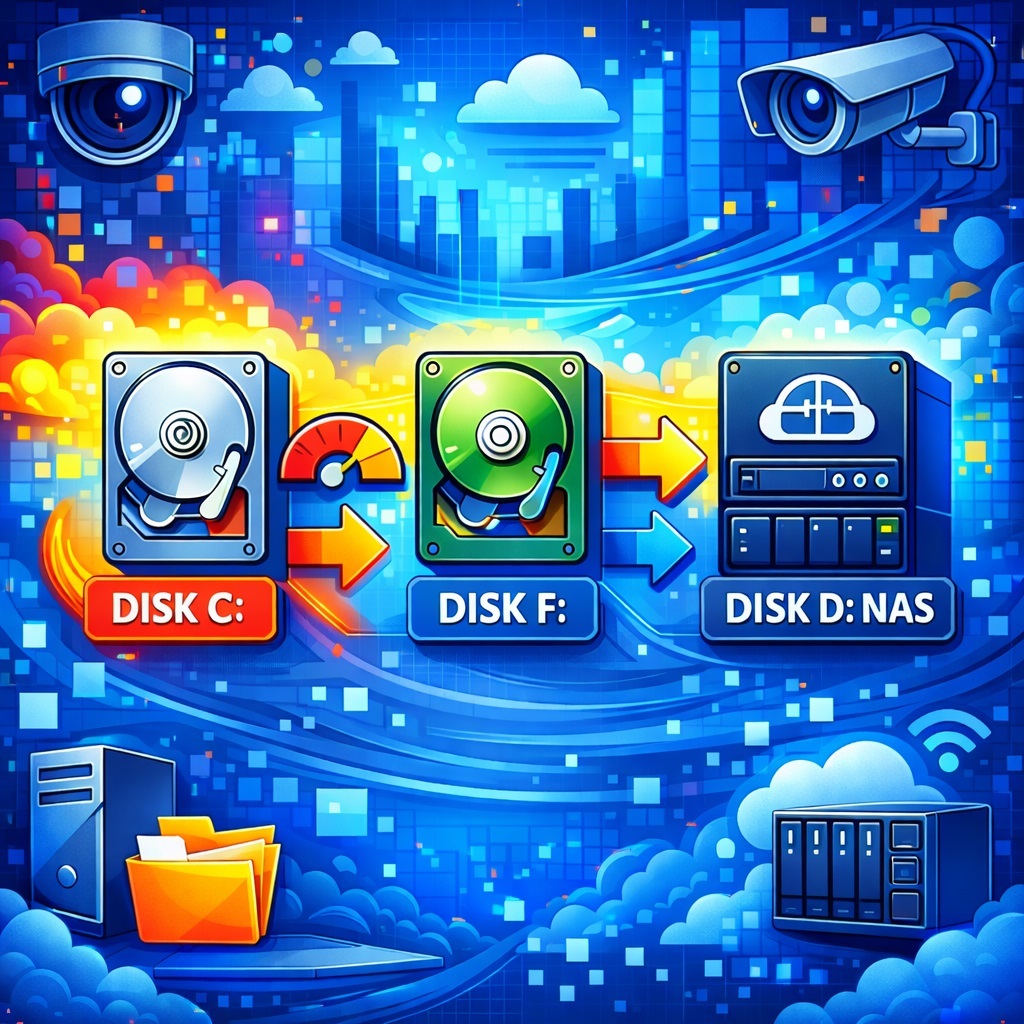
SmartVision now supports flexible archive recording to multiple disks.
The configuration is performed in the Settings form, where you can set a storage limit for each disk and define the recording order.
For example, the archive can first be recorded to the system drive C: (with a size limit to prevent using all free space), then automatically continue on F: for the main archive, and later on D: or a network storage. Recording is supported both on local disks and on network or remote storage (NAS, network folders).
What’s the advantage?
Most video recorders and surveillance software use proprietary file formats and custom file systems. If you remove such a disk from a recorder and connect it to a computer, the archive usually cannot be accessed directly. In the case of outdated hardware or software with discontinued technical support, recorded video may be permanently lost.
Exporting the archive is not an ideal solution either. It is a slow process that involves file conversion and copying. That’s why in real life many users take the simplest route — recording video from the recorder screen to a smartphone. It’s fast and convenient, but the video quality suffers significantly.
In SmartVision, video is recorded from the start in an open MP4 format that can be played in any standard media player. All recordings remain accessible on any disk used for archive storage — both in the built-in SmartVision player and in third-party players.
Files are neatly organized by camera and recording date, with separate folders for events, continuous recording, and timelapse videos.
SmartVision provides two main archive recording modes, configured in the camera settings under the Reader option: Default and Onvif.
What’s the difference?
Reader: Default
In this mode, video is recorded using the H.264 codec, ensuring maximum compatibility with devices and media players. These files can be played:
- in any standard video player,
- directly in a web browser using the <video> tag,
- in the personal web dashboard.
Reader: Onvif
Here, the recording format depends on the camera’s video stream:
- if the camera outputs H.264, the MP4 file will also be H.264;
- if the stream is H.265, the recording will be saved as H.265.
The main advantage of this mode is reduced CPU load during continuous recording and the ability to process video on the GPU. No codec conversion is required, unlike the Default mode.
The trade-off is playback compatibility. H.265 is not supported in most web browsers due to licensing restrictions. While the built-in SmartVision player handles H.265 without issues, such recordings must be transcoded to H.264 for browser-based playback.
SmartVision includes a built-in conversion mechanism for this purpose. The transcoding script is located in the reencode.cmd file.
Which mode should you choose?
- For small systems and maximum compatibility, Reader: Default is recommended.
- Onvif Reader is best suited for large installations where performance is critical and web-based archive access is not required.
In short: Default is universal and reliable, Onvif is efficient and scalable.
Improved PTZ Control
The current version also includes improvements to PTZ control for certain camera models. Control stability has been enhanced, pan/tilt/zoom commands are processed more accurately, and delays when working with presets have been reduced.

Upcoming Video Analytics Enhancements
Future versions will expand video analytics capabilities:
- Text recognition in video streams — can be used to capture markings on service vehicles, identify equipment on site, or analyze text on personnel clothing.
- Age and gender detection — useful for visitor statistics in retail stores, shopping malls, and event venues.
- QR code recognition — suitable for access control, ticket verification, or automatic capture of advertising and service codes directly from video.
- People counting — provides data on entries and exits, site occupancy, and peak periods without additional hardware.
All features are designed for real-world use cases: monitoring, accounting, and analytics based on an already deployed video surveillance system.