

An IP camera is one of the most misunderstood devices in modern digital infrastructure.
People buy it, connect it, see an image, and assume the job is done. A week later the archive is enormous, faces are blurry, Wi-Fi keeps dropping, and at night the picture turns into noisy abstract art. The problem is almost never the camera itself. The problem is the settings and a misunderstanding of how the camera “thinks” and how it spends data.
The Art of Compromise
Video surveillance is not about maxing out every value in the menu. It’s about balance. Between quality and stability, between detail and bandwidth, between what you want to see and what you can realistically store.
A modern IP camera is a small computer. It:
- captures data from the sensor,
- fights noise,
- analyzes motion,
- encodes video in real time,
- sends it over the network,
- sometimes records audio and metadata in parallel.
Every one of these stages affects the final result. But the user usually sees only three parameters: resolution, FPS, and bitrate. And almost always draws the wrong conclusions.
IP camera settings are typically configured through a web interface.
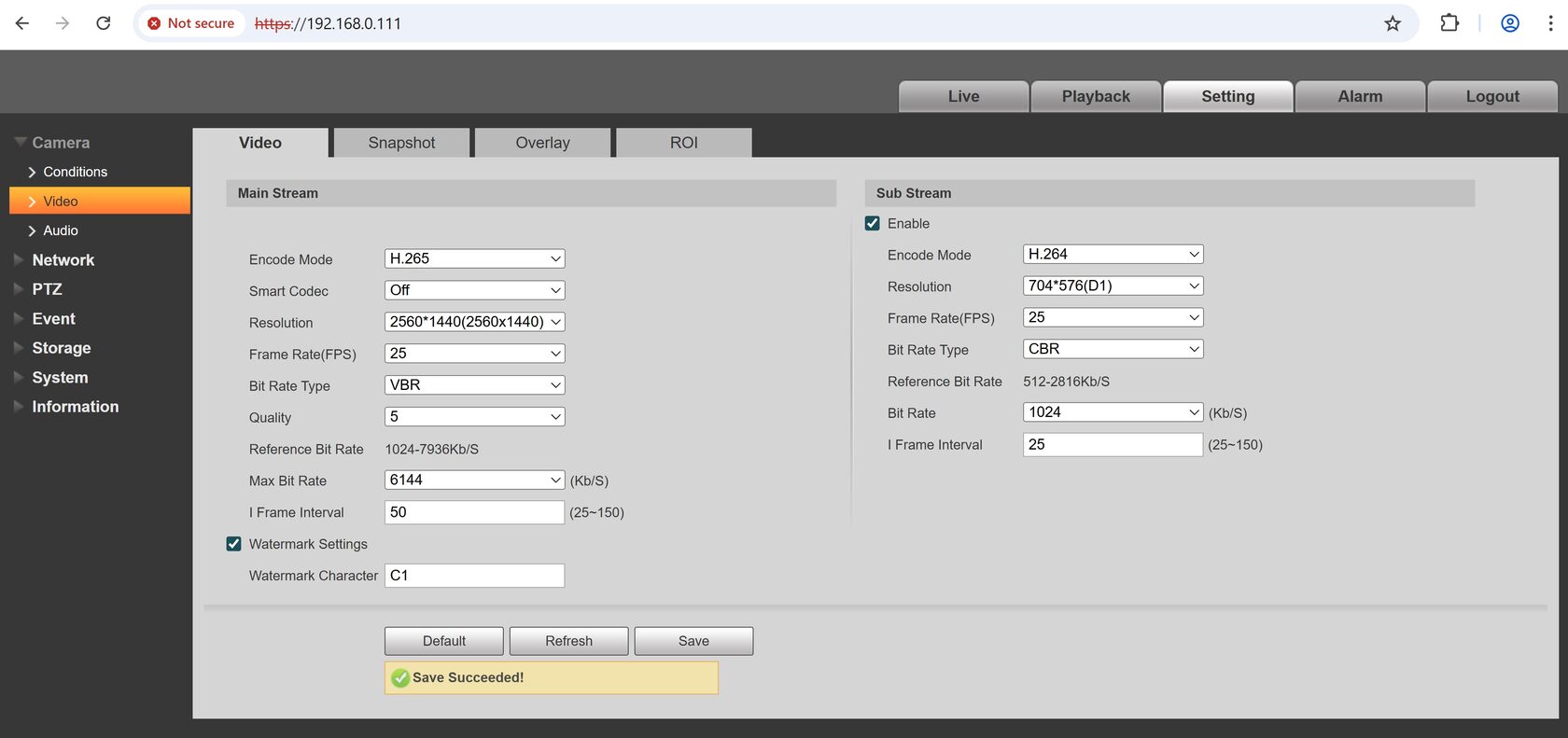
Constant Bitrate and Variable Bitrate Explained
CBR (Constant Bitrate)
The camera always sends a stream at a fixed rate, for example 2 Mbps, regardless of the scene.
CBR is a promise. The camera guarantees it will never exceed the specified bitrate. It doesn’t matter whether the scene is an empty hallway or a crowd in the rain. The stream stays the same.
This is convenient:
- for bandwidth planning,
- for Wi-Fi,
- for internet connections,
- for weak or unstable networks.
But there is a cost. When the scene becomes complex, the camera cannot use extra data. It sacrifices quality: simplifies the image, smears details, loses readability.
VBR (Variable Bitrate)
The camera adjusts the bitrate based on scene complexity:
- silence or no motion means low bitrate,
- motion, noise, or night scenes mean higher bitrate.
This provides:
- better quality at critical moments,
- lower average traffic,
- a smarter archive.
In simple terms, bitrate is the amount of information the camera can transmit per second. Everything else is secondary.
You can have:
- high resolution,
- high frame rate,
- a modern codec,
but if the bitrate is too tightly limited, the camera will lose information. Not frames, but information: textures, fine details, sharpness in motion.
How Bitrate Turns Into Archive Size
The math is brutal and simple:
Archive size = bitrate × time
A practical reference:
- 1 Mbps ≈ 10.8 GB per day
- ≈ 324 GB per month
Below are solid starting values for the main stream.

1080p (2MP)
VBR, Max bitrate: 4–6 Mbps
Calm scene (office, corridor): 3–4 Mbps
Street, heavy motion, night: 5–6 Mbps
4MP (1440p / 1520p)
VBR, Max: 6–10 Mbps
5MP
VBR, Max: 8–12 Mbps
4K (8MP)
VBR, Max: 12–20 Mbps depending on the scene
Example for 1080p, H.264:
CBR 4 Mbps → about 43 GB per day
VBR (average 2–3 Mbps) → about 22–32 GB per day
That’s one camera. Multiply by the number of cameras and it becomes obvious why the archive “suddenly” runs out after a week.
VBR saves disk space and internet traffic in normal scenes.
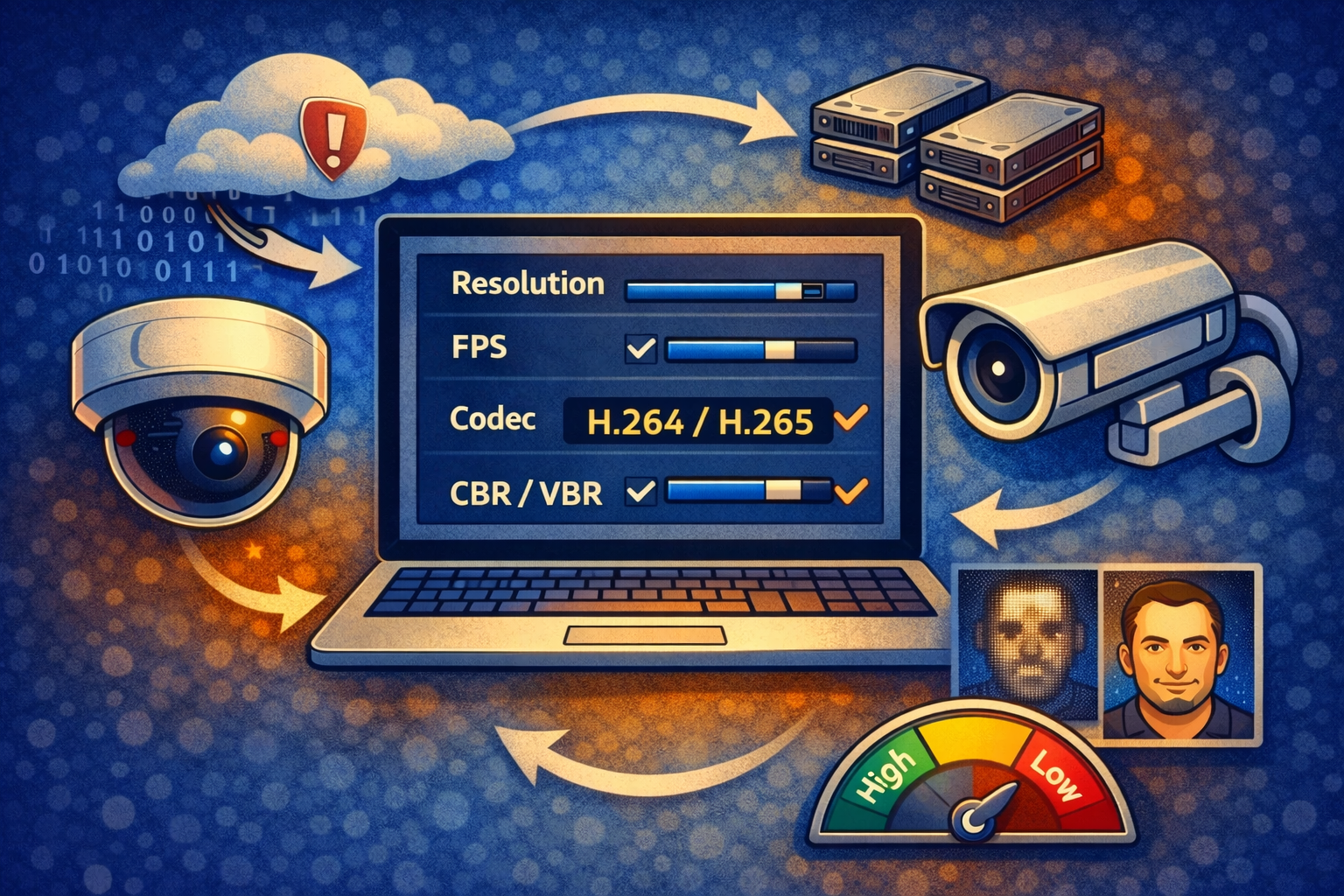
Codec: Why H.265 Is Not Always a Free Win
H.265 (HEVC) can deliver the same image at a lower bitrate. On average it saves 30–40% compared to H.264. But efficiency has a price.
- encoding is more complex,
- decoding is heavier,
- old PCs and weak CPUs may struggle,
- it is not supported by web browsers.
In PC-based recording systems like SmartVision, H.265 is usually justified if the computer is not outdated. On weak machines it may cause:
- dropped frames during playback,
- high CPU usage,
- sluggish UI response.
Saving disk space should never kill stability.
FPS: The Illusion of Smoothness
25–30 fps is a television standard, not a video surveillance standard.
Most security scenarios:
- event fixation,
- face identification,
- reconstruction of event sequences,
do not require high frame rates.
In practice:
- 10–15 fps is enough for 90% of tasks,
- lowering FPS almost linearly reduces bitrate,
- the quality of individual frames can even improve.
Fewer frames mean more data per frame.
Keyframes and Video Recoverability
An I-frame (keyframe) is a point from which the decoder can start playback. If keyframes are too rare:
- scrubbing becomes slow,
- event search is uncomfortable,
- after packet loss the image breaks up for longer.
A practical standard is:
- one I-frame every 1–2 seconds.
This slightly increases archive size but dramatically improves usability.
Light Is More Important Than Resolution
Noise is the worst enemy of any video codec, and noise appears where there is not enough light.
At night the camera:
- increases gain,
- produces grain,
- interprets noise as motion.
Bitrate goes up while quality goes down. No 4K resolution can fix that.
Adding light is often more effective than:
- increasing resolution,
- increasing bitrate,
- replacing the camera.
Indoor Scenarios: The Ideal Environment
Indoors, the camera lives in paradise:
- stable lighting,
- limited scene depth,
- minimal random motion.
Here VBR shines. Most of the time the camera records at the minimum bitrate and the archive grows slowly. 1080p at 3–4 Mbps provides excellent detail and about 1 TB per month. Predictable, comfortable, stable.
Poor Lighting Indoors
Where lighting is unstable or insufficient, settings become critical. Trying to save bitrate results in an archive that exists but is useless: faces unreadable, motion blurred.
In such conditions it’s better to:
- reduce FPS,
- keep bitrate with a margin,
- allow the camera to preserve information.
Lower FPS with higher bitrate works better. The archive grows faster, but these hours are usually the most important.
Smart Settings That Kill Bitrate at Night
If the camera allows:
- reduce Noise Reduction (3DNR). Strong noise reduction lowers bitrate but can smear details,
- reduce or limit AGC to avoid “snow” at night,
- add illumination whenever possible. Light dramatically improves quality at the same bitrate.
Outdoor Scenarios: The Worst Case
Outdoors combines everything bad:
- day and night,
- rain, snow, fog,
- foliage, shadows, headlights,
- sharp lighting changes.
At night, outdoor cameras almost always operate near the maximum bitrate. These cameras define disk and bandwidth requirements.
The golden rule for outdoor cameras:
Night defines the settings.
Recommendations:
- VBR with a hard limit,
- higher bitrate than indoors,
- 15 fps often better than 25,
- strong noise reduction without plastic artifacts.
1080p Outdoor Example
VBR, Max 5–6 Mbps
H.265
I-frame every 1 second
There is no “cheap” option here. Only a reasonable one. Archive planning must be based on night conditions, not daytime visuals.
Wi-Fi: A World of Limitations
Wi-Fi is unstable by nature and a natural enemy of video surveillance. Interference, distance, congested spectrum all hurt the stream.
What matters:
- minimizing peaks,
- stability over quality,
- predictability over detail.
Recommended:
- CBR or VBR with a strict limit,
- 10–15 fps,
- reduce resolution before reducing bitrate.
1080p over Wi-Fi
10–12 fps
2.5–4 Mbps
CBR or tightly limited VBR
Lower FPS and even reduced resolution are not “bad settings.” They are an honest acknowledgment of environmental limits.
Internet and Cloud: A Fixed Budget
Over the internet, bitrate becomes a hard cap. Upload bandwidth is rarely wide or stable.
CBR makes sense here. It provides:
- guaranteed recording,
- predictable archive size,
- no overloads.
Quality is limited, but reliability wins.
Audio: A Small Thing That Matters
From a traffic perspective, audio is negligible. If you don’t need it, disable it. If you do, use a modern codec like AAC with sufficient bitrate.
Final Conclusions
Video surveillance is always an art of compromise. You cannot get maximum quality, minimum archive size, zero load, and absolute stability at the same time. Every system is a choice of priorities.
CBR is control and predictability.
VBR is intelligence and adaptation.
Indoor, Good Lighting, Wired Network
Bitrate can be kept relatively low thanks to stable scenes. VBR is extremely effective. 1080p at 3–4 Mbps delivers solid detail and around 1 TB per month, making such systems the most economical and stable.

Indoor, Poor Lighting
Here bitrate becomes decisive. Saving leads to useless footage. Lower FPS but keep bitrate with a margin. The archive grows, but it remains meaningful, especially at night.
Outdoor, Day and Night
Outdoor cameras consume the most disk space. At night and in bad weather they constantly push bitrate limits. VBR with a cap preserves faces and plates but requires larger storage planning. Outdoors always favors information over savings.
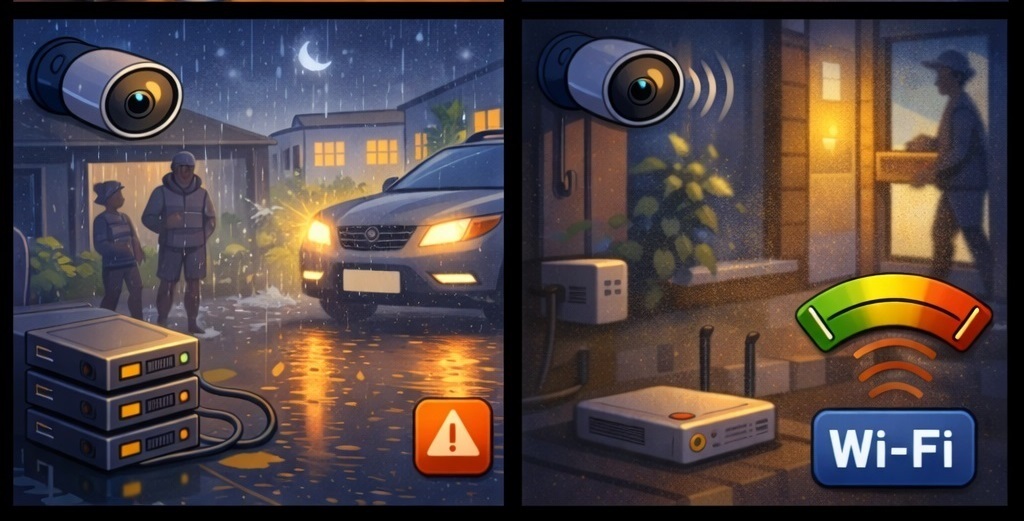
Wi-Fi Cameras
Here bitrate is about survival, not quality. Moderate CBR or hard-limited VBR keeps the stream alive. FPS and sometimes resolution are reduced. Detail is traded for reliability.
Cameras Over the Internet
Bitrate is a fixed budget. CBR guarantees continuous recording and predictable storage, even if complex scenes lose detail. These systems are designed for reliability, not perfection.
CBR: Pros and Cons
Pros:
- predictable network load,
- easier bandwidth and server planning,
- suitable for weak or congested networks,
- stable over internet, LTE, and Wi-Fi.
Cons:
- quality drops in complex scenes,
- artifacts in rain, snow, night IR,
- inefficient for static scenes.
VBR: Pros and Cons
Pros:
- better image quality,
- lower average traffic,
- better face and plate detail,
- optimal for archives.
Cons:
- bitrate spikes,
- requires bandwidth margin,
- can overload weak networks.
VBR almost always produces a sharper image.
Universal Recipe for SmartVision
If you don’t want to analyze scenes or night noise, there is a proven configuration that works for most PC-based systems.
Base configuration:
- VBR,
- Max bitrate according to resolution,
- H.264,
- 15 fps,
- I-frame every 1–2 seconds,
- audio only if needed.
This setup doesn’t chase theoretical maximums. It works in reality: night, rain, motion, and real networks.
The result:
- stable continuous recording without network overload,
- predictable archive size,
- controlled PC load,
- good image quality where it actually matters.
These are not laboratory-perfect settings. These are settings that survive nights, rain, motion, and months of operation. And that is the real purpose of a video surveillance system.